

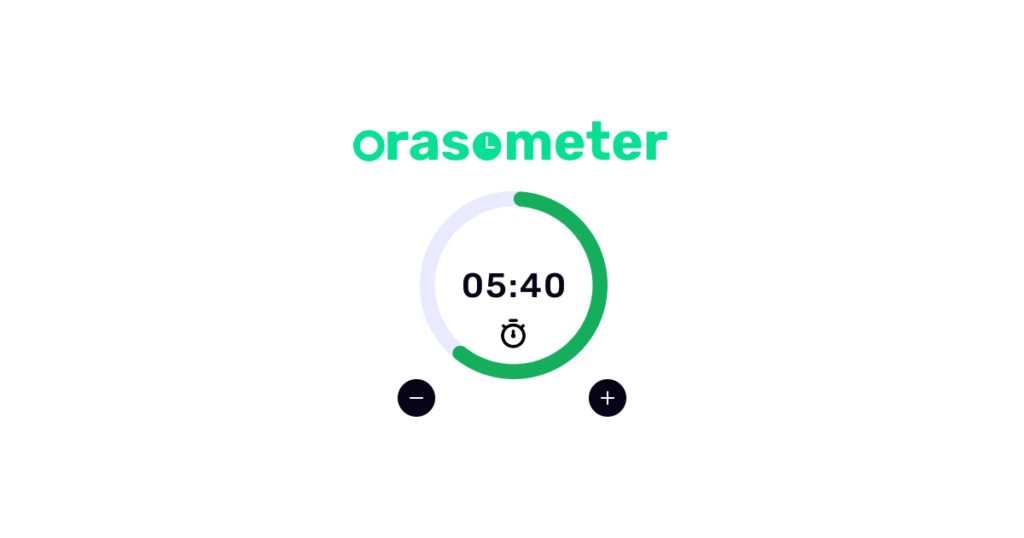
Orasometer started with a simple question after a workshop at work. A year ago, my employer ran a workshop on time management for tech professionals. It was not just about working harder, but also being mindful when we work, when we rest, and how the two bleed together. The session stuck with me. I kept thinking: what would actually help me day to day? I spend a huge part of my day in the browser, so a Chrome extension felt like the right shape. Something that’s always one click away, not another app I forget to open.
Why I built orasometer
I’d already shipped Chrome extensions with Vue in a previous job, so I wasn’t starting from zero on the stack. I sketched what I wanted: a clear sense of how much time I’d planned for work, simple task tracking tied to that session, and a “have a break” flow that follows Pomodoro-style rhythms.
I named it oras-o-meter (styled orasometer for branding): “oras” is a Cebuano word for time, a nod to where I’m from and to what the tool is really about.
From idea to something I use every day
For a long time it stayed in that awkward “just an idea” zone. Started it, half-designed it, and not finished. What changed recently was AI-assisted development. Having a capable partner tool for implementation detail, refactors, and code assistance meant I could finally push a dream project from sketch to something I actually load in chrome://extensions every day.
Open source, Chromium, and keeping orasometer alive
Orasometer is open source on GitHub at renstanforth/oras-o-meter. It targets Manifest V3 and should run on Chromium-based browsers (Chrome, Edge, Brave, etc.), not only Chrome.
I’m treating it as a living thing: every week I plan to iterate it, do small fixes, clearer UX, and maybe nice-to-have features.
Chrome Web Store (or not, for now)
I’d like to put orasometer on the Chrome Web Store someday, but the one-time developer registration fee makes me hesitate for a small, non-commercial project. For now you can clone the repo and build if you’re comfortable with that or download this .zip file and extract then load unpacked in the Extensions Manager. If you’re not technical, reach out and I’ll help you get it installed.
If you’re also juggling focus, breaks, and browser time, maybe this story resonates. Oras is time; orasometer is my small attempt to spend it a little more mindfully.
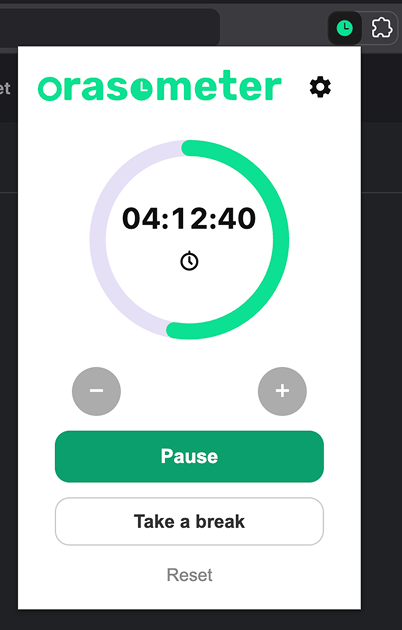
Main Window
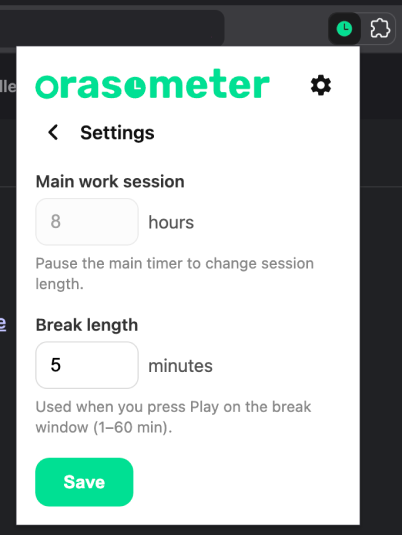
Settings Window
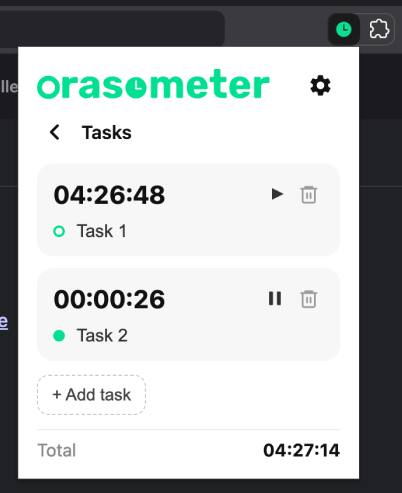
Tasks Window
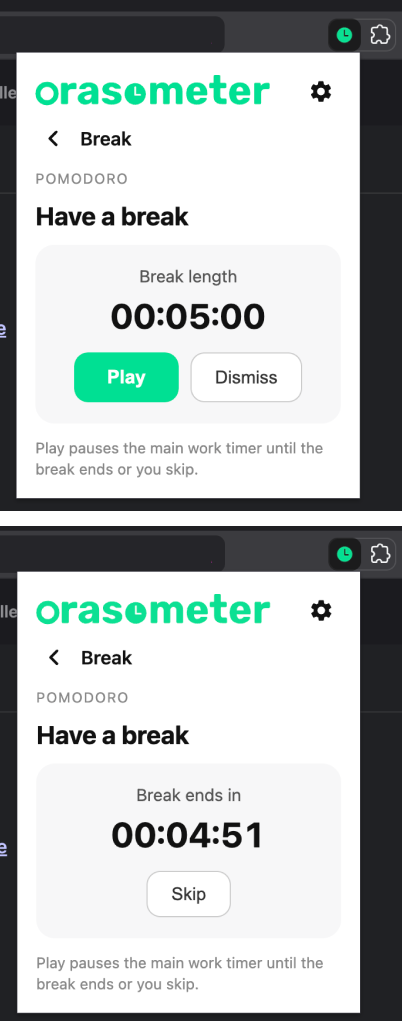
Pomodoro Break Window